
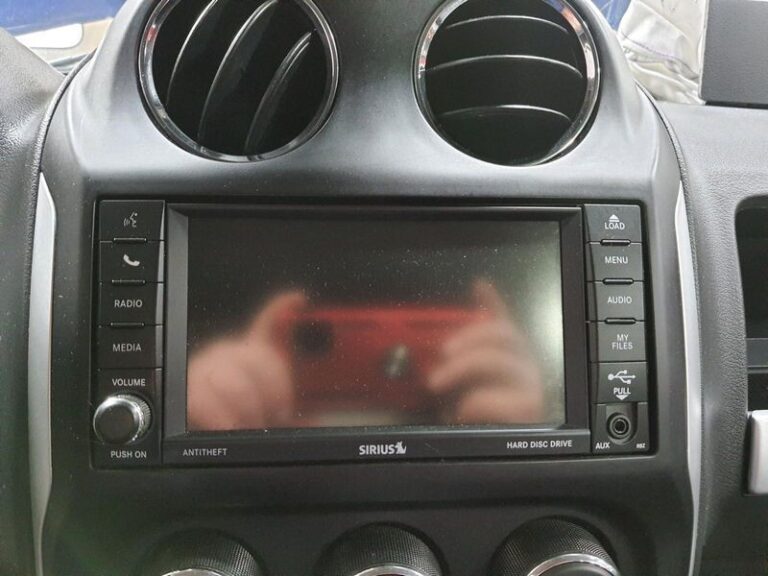
You are driving your Jeep Patriot and the radio cuts out. Maybe it goes completely dead. Maybe the screen is on but nothing plays. Maybe you are getting terrible reception no matter what station you try. Whatever version of the problem you are dealing with, a non-functional radio turns every commute and road trip into a much less enjoyable experience.
The good news is that most Jeep Patriot radio problems have identifiable, fixable causes. Some you can handle yourself with basic tools. Others need a professional. This guide walks through every common cause, how to diagnose what is actually wrong with your specific situation, and what to do about it.
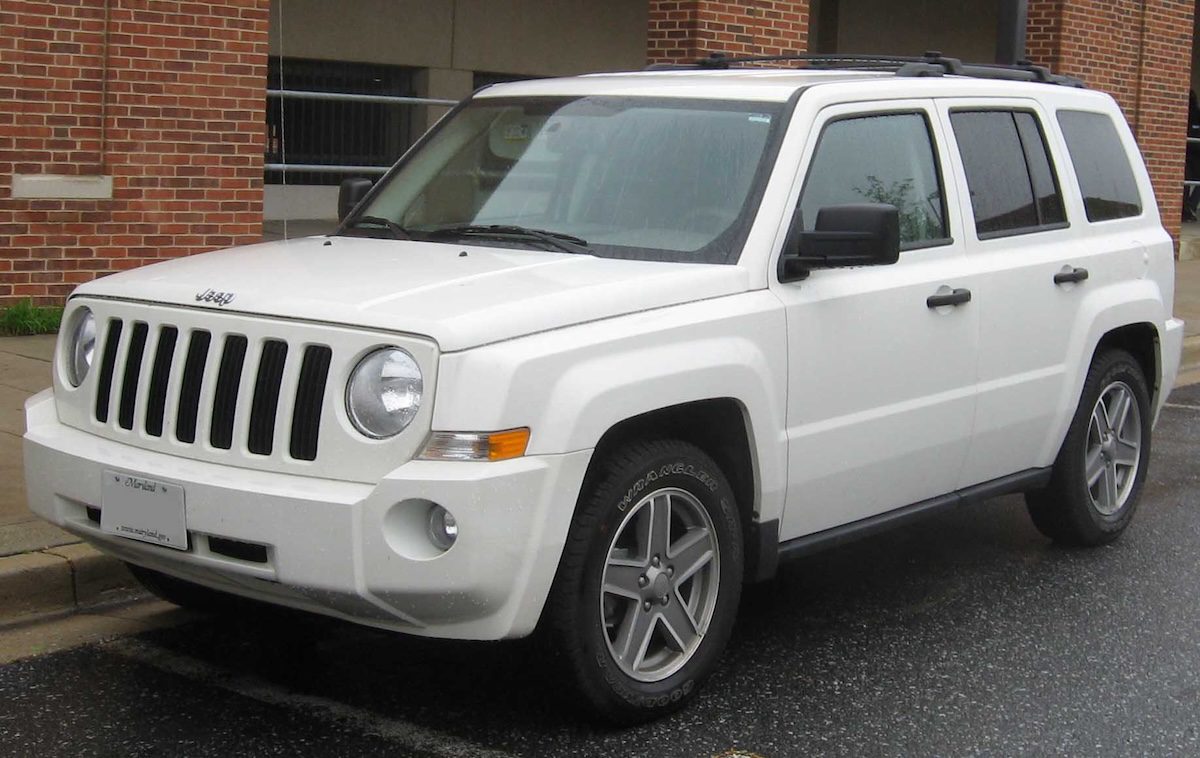
The Most Common Jeep Patriot Radio Problems
Before getting into solutions, it helps to recognize which problem you are actually dealing with. Jeep Patriot radio issues tend to fall into a handful of distinct categories, and each one points toward a different cause.
The Radio Is Completely Dead
No display, no sound, no response to any button. The radio acts as if it does not exist. This is almost always a power supply problem, which means either a blown fuse, a bad ground connection, or a wiring fault. In some cases it can also mean the head unit itself has failed, but that is less common and usually the last thing to check rather than the first.
The Display Is On But No Sound Comes Out
The radio powers up, the display works, you can navigate menus and change stations, but there is absolutely no audio. This scenario typically points to a problem downstream of the head unit, specifically the amplifier, the speaker wiring, or the speakers themselves. A blown amplifier fuse can also produce this exact symptom.
The Sound Is Present But Very Low or Distorted
You can hear something, but it is muffled, crackling, or significantly quieter than it should be even at full volume. Damaged or partially blown speakers are the most common culprit here. A failing amplifier can also produce distorted sound before it dies completely. Loose speaker wiring that is making intermittent contact will sometimes create this kind of inconsistent, degraded audio quality.
Poor Radio Reception or Constant Signal Loss
The radio works, the sound is fine, but AM or FM reception is terrible. Stations fade in and out, or you cannot pick up stations that other cars receive clearly. This is an antenna problem in the vast majority of cases. The antenna mast may be damaged, the antenna cable may have a break or kink somewhere along its run, or the connection between the antenna cable and the head unit may have worked itself loose.
Touchscreen or Display Not Responding
The screen shows information but does not respond to touch inputs, or the display itself has gone dark while the audio still plays. Touchscreen failure can result from physical damage to the screen, a loose internal ribbon cable connection, or a software freeze that has locked up the display system. Extreme temperature changes can also temporarily affect touchscreen responsiveness on older units.
CD Player Problems
The CD player will not accept discs, ejects them immediately, reads them but skips constantly, or simply shows an error. CD mechanisms are mechanical components with moving parts, which means they wear out over time. Dirty laser lenses are one of the most common causes of CD reading failures. Damaged or scratched discs will also cause the player to struggle or reject the disc outright.
Voice Recognition Not Working
The voice command feature does not respond, misunderstands commands consistently, or activates but cannot process any input. This is usually either a microphone issue or a software problem. The built-in microphone can collect dirt and debris over time, and a clogged or damaged mic will produce poor voice recognition performance. Software glitches in the Uconnect system can also affect voice recognition independently of the microphone’s physical condition.
How to Diagnose and Fix Each Problem
Start with the Fuses
This is always the first stop for any complete radio failure or audio dropout. Fuses are inexpensive, easy to check, and a blown fuse is one of the most common causes of a totally dead radio.
The Jeep Patriot has two fuse boxes. One is under the hood near the battery, and one is inside the cabin, typically on the driver’s side dashboard. Your owner’s manual has a diagram that identifies which fuse corresponds to which system. Look for any fuse labeled “radio,” “audio,” “infotainment,” or “amplifier.”
Pull the relevant fuse and hold it up to a light source. A good fuse has an intact wire filament visible inside the transparent casing. A blown fuse shows a broken or melted filament. Replace any blown fuse with one of the exact same amperage rating. Do not go higher, even by a small amount, as that bypasses the protection the fuse is designed to provide.
If the new fuse blows again immediately or shortly after replacement, there is an underlying electrical fault causing an overcurrent condition. Stop replacing fuses and have a professional trace the cause of the short circuit.
Check the Power and Ground Connections
The radio needs a stable power supply and a solid ground connection to work correctly. If either is compromised, the radio can behave erratically, produce no sound, or fail to power up entirely.
The power and ground wires connect to the back of the head unit through a wiring harness. You can check these with a multimeter or a basic test light. The radio should have a constant 12-volt supply wire, a switched 12-volt supply wire (active only when the ignition is on), and a ground wire. If any of these are missing or showing incorrect voltage, you have found the problem.
Ground connection failures are particularly common in older vehicles. Corrosion builds up at the ground point over time and increases resistance in the circuit. Cleaning the ground connection point with a wire brush and ensuring solid metal-to-metal contact will often restore full function.
If you are not comfortable working with automotive wiring, this is a reasonable point to hand off to a mechanic. Incorrect wiring work can damage the head unit or create new faults.
Inspect the Antenna and Its Connections
If your audio works fine but reception is poor, the antenna is the place to look. The Jeep Patriot uses a fixed mast antenna on the rear of the vehicle. Start by visually inspecting the mast for any bending, cracking, or obvious physical damage. A bent or broken mast should be replaced.
Next, trace the antenna cable from the mast to where it connects to the back of the head unit inside the dashboard. Look for any obvious kinks, cuts, or areas where the cable runs near a heat source that might have damaged the insulation. The connector at the head unit end should be seated firmly and show no signs of corrosion.
If the mast and cable appear fine, the problem may be the antenna amplifier, which some Jeep Patriot configurations include. A failed antenna amplifier will produce the exact same symptoms as a broken antenna, but the fix is replacing the amplifier rather than the mast or cable.
Reset the Radio System
Software glitches can cause a range of odd radio behaviors, from frozen displays to unresponsive controls to features that simply stop working without any apparent hardware cause. A reset clears the system’s memory and often resolves these issues.
The simplest way to reset the radio is to disconnect the vehicle’s battery. Here is how to do it:
- Turn the ignition off and remove the key.
- Disconnect the negative battery terminal.
- Wait at least five minutes. This allows the capacitors in the control modules to discharge fully.
- Reconnect the battery terminal.
- Start the vehicle and test the radio.
One thing to be aware of: some Jeep Patriot radios have an anti-theft security code that activates after a battery disconnection. If your radio displays a code prompt after the reset, you will need to enter the correct code to restore operation. This code should be in your owner’s manual or on a card that came with the vehicle. If you do not have it, your Chrysler dealer can retrieve it using your VIN.
Check the Speakers and Amplifier
If the head unit is powering up and receiving a signal but no sound is coming out, the problem is somewhere between the head unit output and the speakers. The most common points of failure are:
- The amplifier: The Jeep Patriot uses an external amplifier in some configurations. A failed amplifier will cut all sound from the speakers even while the head unit appears to function normally. Check the amplifier fuse first, then test the amplifier itself if the fuse is intact.
- Speaker wiring: Wires can work loose from speaker connections, particularly on older vehicles where vibration over time has loosened connections. A completely disconnected speaker wire produces no sound from that speaker. A partially connected wire produces distorted, intermittent sound.
- The speakers themselves: A blown speaker produces a rattling or buzzing sound rather than clean audio, or no sound at all if the voice coil is completely destroyed. Replacing a blown speaker is straightforward and relatively inexpensive for most Jeep Patriot speaker positions.
Address the CD Player
CD players are mechanical systems that accumulate wear over time. Before assuming the mechanism is dead, try a few things:
- Try a different disc. A disc that is scratched, cracked, or warped will cause reading errors that look like a player malfunction.
- Use a CD lens cleaner disc. These are widely available and can clear dust and debris from the laser lens that the player uses to read discs. A dirty lens is a very common cause of reading failures and is often mistaken for a dead player.
- If the player ejects every disc immediately, the mechanism may have a sensor fault or a physical obstruction inside the slot. Do not try to force discs in if the player is actively rejecting them.
If cleaning does not resolve the issue, the CD mechanism likely needs professional service or replacement. At this point, many owners choose to upgrade to a newer head unit that drops the CD player entirely in favor of Bluetooth and USB connectivity, which is a reasonable approach given how CD usage has declined.
Fix Voice Recognition Issues
Start with the microphone. The internal microphone in the Jeep Patriot is typically mounted in the headliner near the driver or on the overhead console. It can collect dust and debris over time, which reduces its sensitivity. Use a can of compressed air to gently clear the microphone opening.
If the microphone is clean and voice recognition still does not work, try the battery disconnect reset described earlier. Software freezes that affect voice recognition are not uncommon and a full reset resolves them in many cases.
Persistent voice recognition failure that does not respond to cleaning or a reset typically requires professional diagnosis, either a microphone replacement or a software update through a dealership.
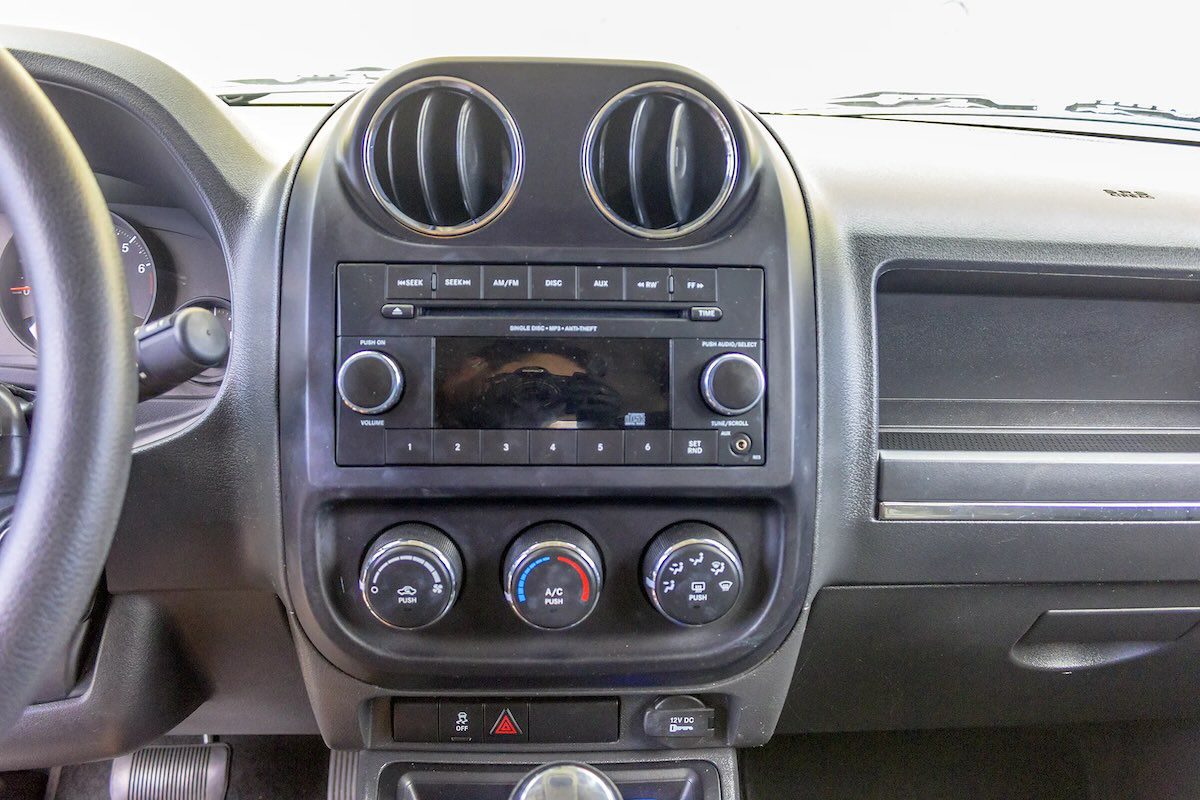
When You Need Professional Help
Some radio problems are genuinely DIY-friendly. Replacing a fuse, cleaning an antenna connection, swapping a speaker, or doing a battery reset are all reasonable tasks for most car owners. But there are situations where professional help is the smarter call:
- The fuse blows again immediately after replacement, which points to a short circuit in the wiring that needs to be traced and repaired.
- You have checked the fuse, ground, power, and antenna and the radio is still completely dead. At this point the head unit itself has likely failed and needs replacement.
- The touchscreen is damaged physically or has failed internally beyond what a reset can address.
- A software issue persists after a reset, which may require a dealer-level software update or reflash of the Uconnect system.
- You are not comfortable working with automotive wiring or electronics. Getting it wrong can create new problems that are more expensive to fix than the original issue.
Your nearest Chrysler or Jeep dealer can diagnose radio issues with their proprietary tools, and there are also many independent audio shops that specialize in car audio who can handle head unit replacement and wiring repairs for less than dealership labor rates.
Quick Troubleshooting Reference
| Problem | Most Likely Cause | Start Here |
|---|---|---|
| Radio completely dead, no display | Blown fuse or bad power/ground connection | Check fuse box; test power and ground wiring |
| Display works but no sound | Failed amplifier or disconnected speaker wiring | Check amplifier fuse; inspect speaker connections |
| Sound is distorted or very low | Damaged speakers or failing amplifier | Test individual speakers; check amplifier output |
| Poor FM/AM reception | Damaged antenna mast or loose antenna cable | Inspect antenna mast; check cable connection at head unit |
| Touchscreen frozen or unresponsive | Software freeze or physical screen damage | Perform battery disconnect reset; inspect screen for cracks |
| CD player ejects all discs | Dirty laser lens or mechanism fault | Try a CD lens cleaner disc; attempt with multiple discs |
| Voice recognition not responding | Dirty microphone or software glitch | Clean microphone with compressed air; perform system reset |
| Radio cuts out while driving | Loose wiring connection or intermittent fuse fault | Inspect wiring harness connections; check fuse seating |
Keeping Your Jeep Patriot Radio in Good Shape
A few maintenance habits go a long way toward preventing radio problems before they develop:
- Keep the interior dry. Moisture is the enemy of automotive electronics. Wet floor mats, a leaking sunroof, or a window left down in rain can introduce moisture into the cabin that eventually finds its way into the wiring and electronics.
- Inspect the antenna periodically. Particularly if you park outdoors, the antenna mast can be bent or broken by car washes, low-hanging branches, or someone brushing past it. A quick visual check takes seconds and catches damage early.
- Do not force CDs into the player. If the player is not accepting a disc smoothly, pushing harder almost never helps and often makes things worse. Remove the disc and inspect both the disc and the slot for obvious problems before trying again.
- Address electrical issues promptly. If you notice your radio behaving strangely after a battery drain or jump start, do not ignore it. Electrical events can dislodge settings and cause faults that only worsen over time if left unaddressed.
Most Jeep Patriot radio problems have a clear, fixable cause. Working through the basics systematically, starting with the fuse and power supply before moving to more complex components, will resolve the majority of issues without an expensive repair bill. When the simple fixes do not work, a professional diagnosis will pinpoint exactly what needs to be replaced, so you are not guessing and spending money on parts that were never the problem.