
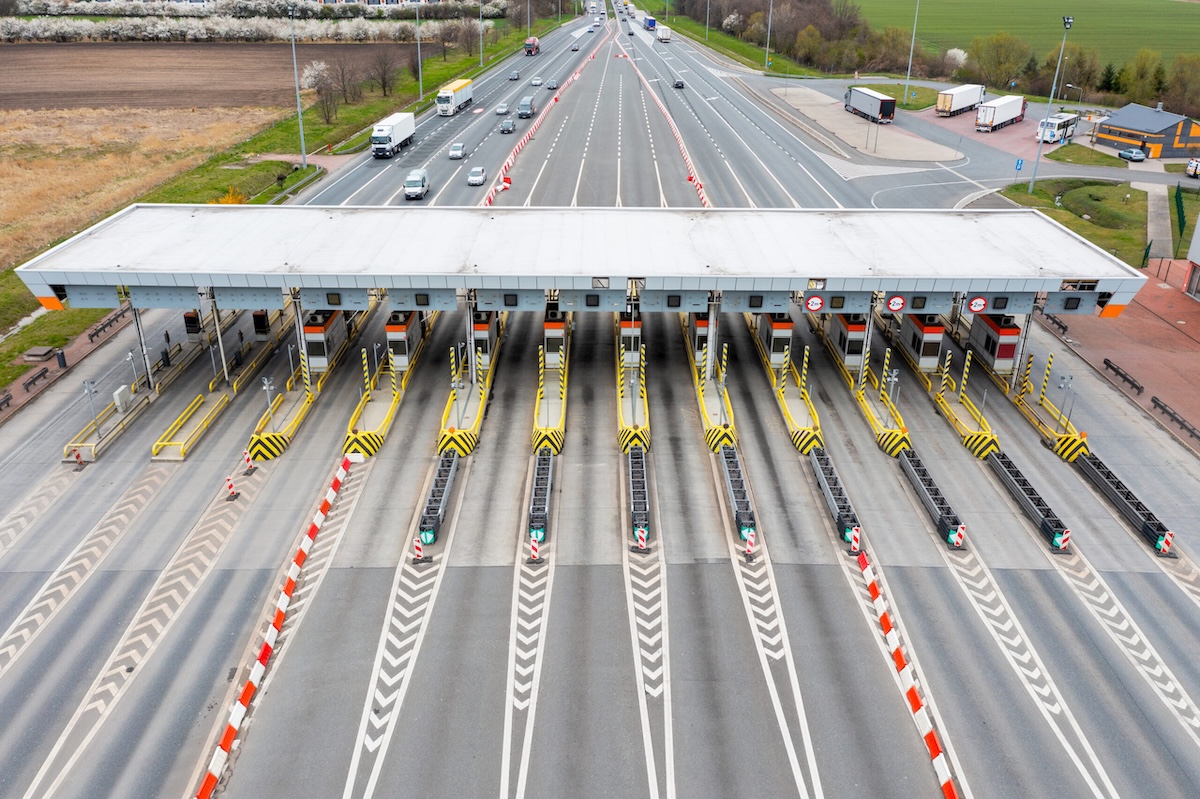
You are planning a long drive and the toll signs start multiplying. One friend says to get an EZ TAG because you are going through Houston, another recommends E-ZPass because it works across the East, and a third tells you a toll tag from Oklahoma or Kansas might work too. The names sound similar, but they are not one nationwide account.
EZ TAG is associated mainly with Texas toll roads, especially the Houston area. E-ZPass is a regional electronic toll collection network used across numerous states, mostly in the Northeast and parts of the Midwest. Both systems use a small transponder and an account, but the issuing agency, coverage, account rules, discounts, and vehicle requirements can differ.
The right choice depends on where you actually drive. If your normal routes are in Houston, an EZ TAG may be the practical local option. If you regularly travel through the E-ZPass network, an E-ZPass account may cover more of your trip. Before buying either one, check the road operator for your route because toll interoperability changes and a tag that works on one road may not work on the next.
EZ TAG explained for Texas drivers
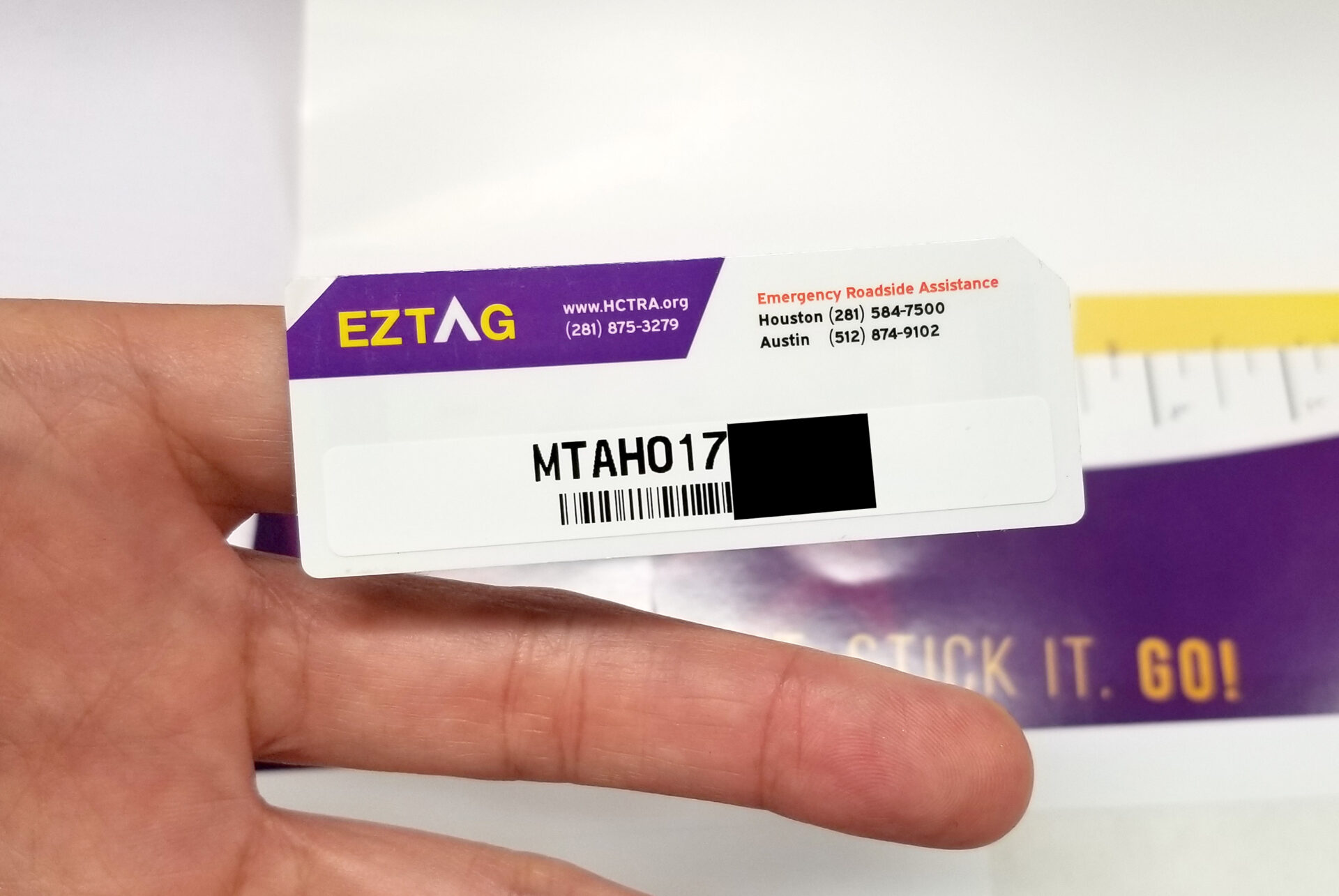
EZ TAG is an electronic toll collection service associated with Texas toll roads and is especially common in the Houston metropolitan area. Instead of stopping at a booth and handing over cash, the toll equipment reads the transponder attached to the vehicle and charges the linked account.
The system is managed through the Harris County Toll Road Authority for its roads and account services. Texas also has other toll operators and tag brands, so the phrase “Texas toll tag” does not always mean the same account. Your route may involve the Harris County Toll Road Authority, the Texas Department of Transportation, the North Texas Tollway Authority, or another operator.
That distinction matters when you open an account. A driver in Houston may choose EZ TAG, while someone who lives near Dallas may use NTTA TollTag. Both are electronic toll options, but the account website, fees, customer service, and exact coverage are not identical.
How an EZ TAG account works
An EZ TAG transponder is an RFID device associated with a vehicle and a payment account. When the vehicle passes a compatible toll point, the equipment reads the tag and records the toll. The account then pays from its balance or approved payment method according to the plan selected.
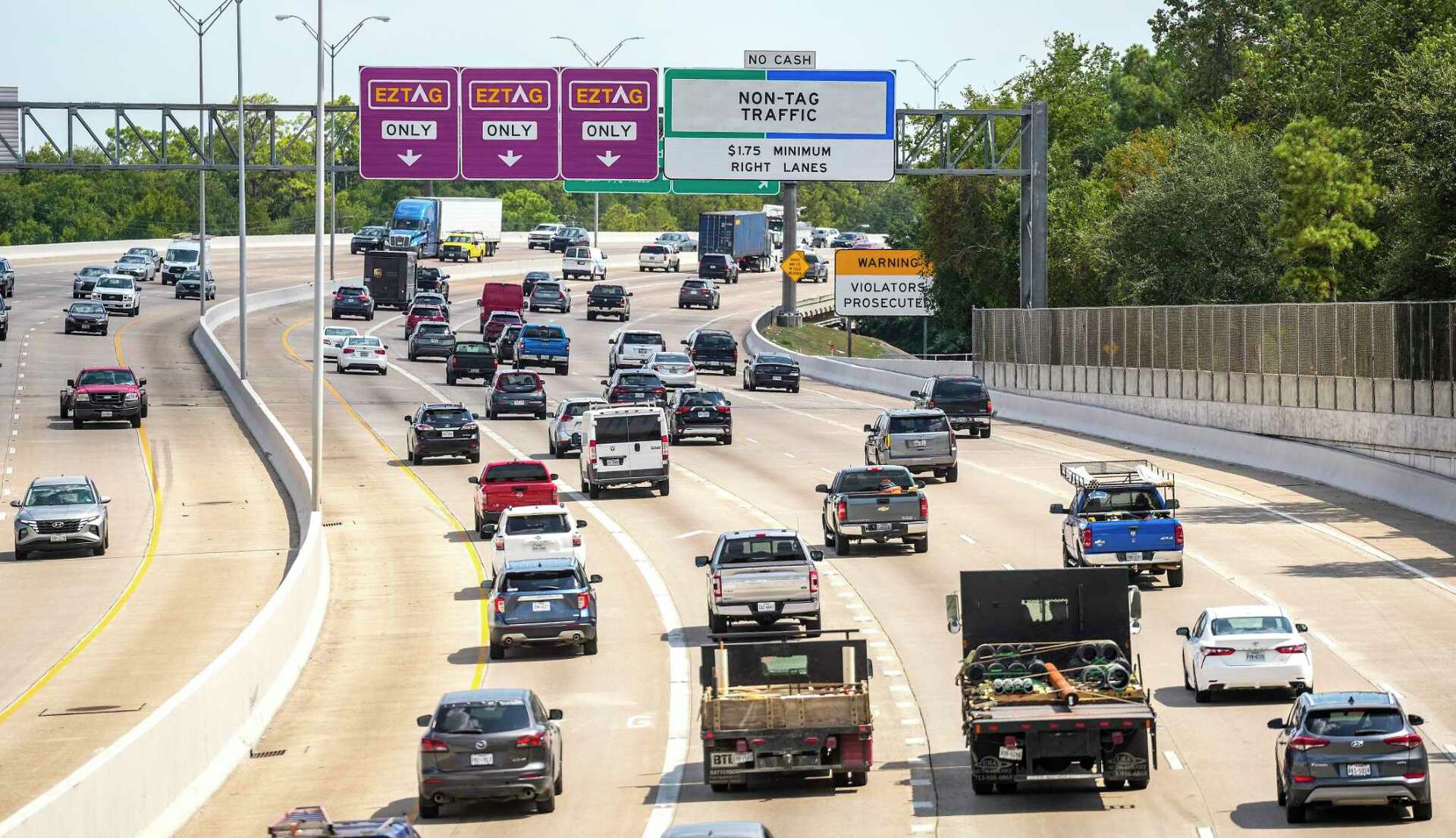
EZ TAG accounts may be prepaid or postpaid depending on the available account type and the agency’s current rules. A prepaid account uses money placed in the account and may replenish automatically when the balance reaches a set level. A postpaid arrangement links toll use to a payment method, but the exact conditions, deposits, and charges should be checked before enrollment.
The official Harris County Toll Road Authority website is the place to verify current EZ TAG account rules, coverage, applications, and payment options. Toll policies can change, so I would not rely on an old forum post that lists a fee or deposit without a date.
Where EZ TAG is most useful
EZ TAG is especially useful on toll roads around Houston and on compatible Texas toll facilities. The original description presents it as a Texas-focused option, primarily for the Houston metropolitan area, rather than a replacement for E-ZPass throughout the eastern United States.
If you drive only around Houston, the local account may be all you need. If your route crosses Texas, check each toll authority involved. Texas has more than one toll operator, and different roads can use different brands or account arrangements even when they accept more than one type of electronic tag.
Do not assume that the word “EZ” means the device will work wherever another tag with a similar name works. EZ TAG and E-ZPass are separate systems. Confirm compatibility with the road operator before a long trip, especially when leaving Texas.
EZ TAG costs, deposits, and account replenishment
The cost of obtaining an EZ TAG can include a refundable deposit, account funding, or other account charges depending on the plan and current agency rules. The original article does not give a fixed dollar amount, and there is no responsible single price that applies to every driver. Fees and deposit rules should be checked directly with the issuing agency.
Replenishment is usually handled online or through the EZ TAG app. A prepaid account can use a linked credit card or another accepted payment method to add funds. Keeping the account above its minimum balance helps prevent a declined transaction, a plate-based bill, or an account problem while you are on the road.
Some drivers set the account and forget about it until a card expires. That is how a working tag suddenly becomes an unpaid toll account. Keep your card, email address, phone number, license plate, and vehicle details current.
Pay by mail is different from having a tag
Pay by mail or plate-based billing is not the same as having a properly funded EZ TAG account. If the toll equipment cannot read a tag, the agency may use a license-plate image and send a bill. The amount, processing fee, and payment deadline can differ from the electronic toll charge.
A plate image can also be affected by a dirty plate, a temporary plate, a plate frame, weather, or an incorrect vehicle record. Check that the plate on your account matches the vehicle you drive. A single wrong letter can send a notice to the wrong account or make it harder to correct a missed toll.
How E-ZPass works
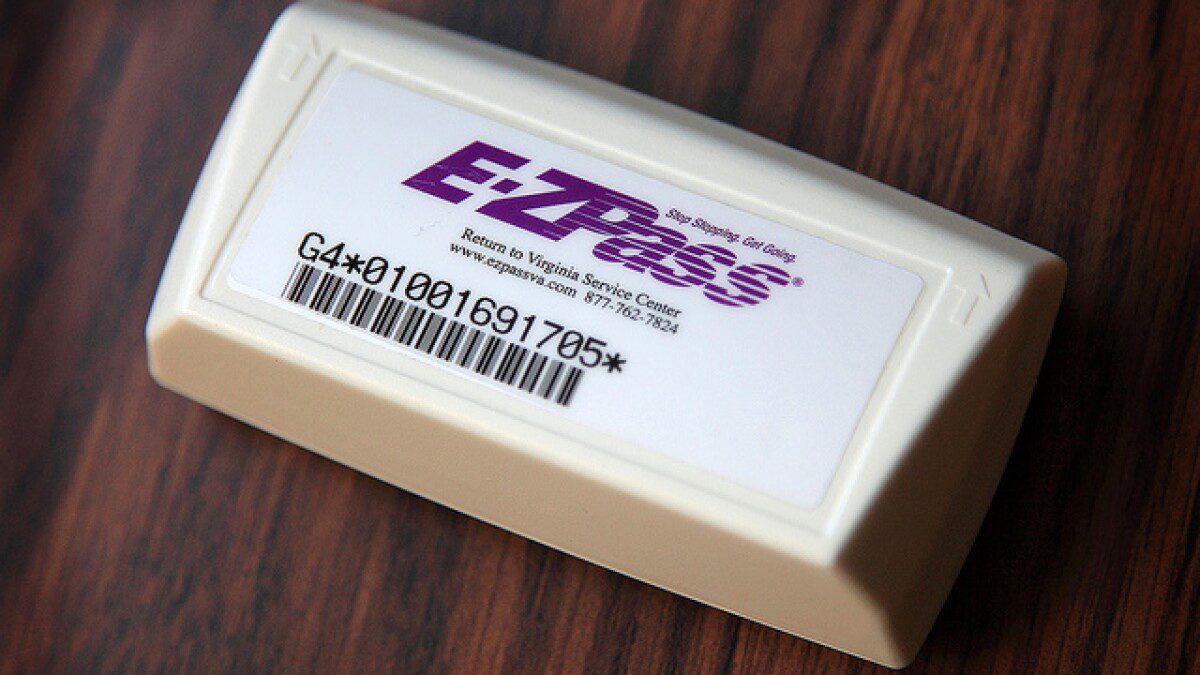
E-ZPass is an electronic toll collection network made up of participating regional agencies. A small transponder is mounted in or on the vehicle, and toll equipment reads it as the vehicle passes through a toll point. The charge is posted to the E-ZPass account instead of requiring a cash payment at the booth.
The E-ZPass account is issued by a particular state or regional agency, but the transponder may be accepted at participating toll facilities operated by other E-ZPass agencies. That is why a driver can travel through several states with one device. It does not mean every road in every state is covered, and it does not mean every agency offers the same fees or discounts.
The E-ZPass Interagency Group provides network information and links to participating agencies. For an account question, use the agency that issued your transponder. The agency shown on your account controls your payment settings, vehicle list, customer service, and violation process.
Where E-ZPass is commonly accepted
The E-ZPass network covers numerous states, including states such as New York and Delaware. It is widely used across the Northeast and also reaches parts of the Midwest. The original article describes E-ZPass as working across 17 states, but the exact participating facilities and published count can change as agencies update their systems.
Before a trip, check the official toll facility list for the roads you will use. A transponder may work on a tollway but not qualify for a special discount, managed-lane rule, or parking facility. Some roads also have separate rules for trailers, motorcycles, commercial vehicles, and high-occupancy travel.
If you are driving from New York through New Jersey, Pennsylvania, Delaware, Maryland, or Virginia, E-ZPass may be convenient. If the route continues into a state with a different toll network, verify the road operator instead of assuming the E-ZPass signal will be accepted.
Account replenishment and low balances
E-ZPass accounts commonly allow online balance checks, statements, vehicle updates, and automatic replenishment. When the balance reaches a preset level, the account can charge the payment method on file. The exact trigger and amount depend on the issuing agency and account plan.
A low balance can interrupt service or lead to plate billing. A declined credit card can create the same problem even when the transponder itself is working. Review the account before a trip, especially if you have changed cards or have not used the tag for several months.
Save the account confirmation and transaction history when you make a payment or add a vehicle. If a toll is posted incorrectly, that record can help customer service locate the transaction. Keep the transponder number too, since a vehicle may have more than one device over its lifetime.
EZ TAG versus E-ZPass at a glance
| Point of comparison | EZ TAG | E-ZPass |
|---|---|---|
| Main area | Texas, especially the Houston metropolitan area and compatible Texas toll roads. | Numerous participating states, mainly in the Northeast and parts of the Midwest. |
| Account operator | Associated with the Harris County Toll Road Authority for its EZ TAG service. | Issued by regional agencies that participate in the E-ZPass network. |
| Payment method | Prepaid and postpaid options may be available, depending on the plan. | Account balance or payment method is replenished under the issuing agency’s rules. |
| Best fit | Drivers who regularly use Houston or compatible Texas toll roads. | Drivers who frequently use participating toll roads across the E-ZPass network. |
| Outside the home region | Do not assume it works outside Texas or on E-ZPass roads. | Check road-by-road compatibility outside the participating E-ZPass network. |
| Discounts | Depend on the toll authority and road used. | Depend on the issuing agency and individual toll facility. |
Which tag should you choose?
Choose the tag that matches your regular routes, not the name that sounds most familiar. A Houston commuter may get more practical value from EZ TAG, while a driver who spends weekends traveling through the Northeast may prefer E-ZPass. If you travel in both regions, compare the exact toll roads and check whether another interoperable tag covers both before opening multiple accounts.
There is no universal best tag. The best one depends on coverage, account charges, discounts, customer service, vehicle type, and how often you cross state lines. A small account fee may be worth it for a frequent toll-road user, while a person who uses a toll road twice a year may prefer a plate-billing option if it is available. The right account should work when you need it most.
Check your route in advance. List the toll roads, bridges, tunnels, and managed lanes you expect to use, then confirm each operator’s accepted tags. This takes less time than disputing a bill after a trip.
For a Houston-area driver
If most of your driving is in Houston, EZ TAG is the natural system to investigate first. It is built around local Texas toll-road use and supports electronic payment without stopping. Confirm which roads are covered and whether the account plan fits your driving pattern.
If you occasionally leave Texas, check the route rather than relying on the EZ TAG name. A local tag may not be recognized by an E-ZPass facility, and a toll operator may use a different system. Carrying a second transponder can also create confusion if both devices are active in the same car.
For a Northeast or Midwest traveler
E-ZPass is usually the more relevant system when your regular route includes participating roads in the Northeast and Midwest. One transponder can reduce the need for multiple state accounts, but you still need to keep your plate and vehicle class current.
Check special rules for a trailer, rental car, motorcycle, or commercial vehicle. A passenger-car account may not be appropriate for a different toll class. The system can only charge what the road equipment and account rules allow.
Other Texas and regional toll tags
EZ TAG and E-ZPass are not the only electronic toll options. Drivers may encounter TxTag, NTTA TollTag, Pikepass, K-Tag, and other regional services. They may have agreements with neighboring systems, but compatibility is a technical and contractual issue, not something you can determine from the brand name.
TxTag
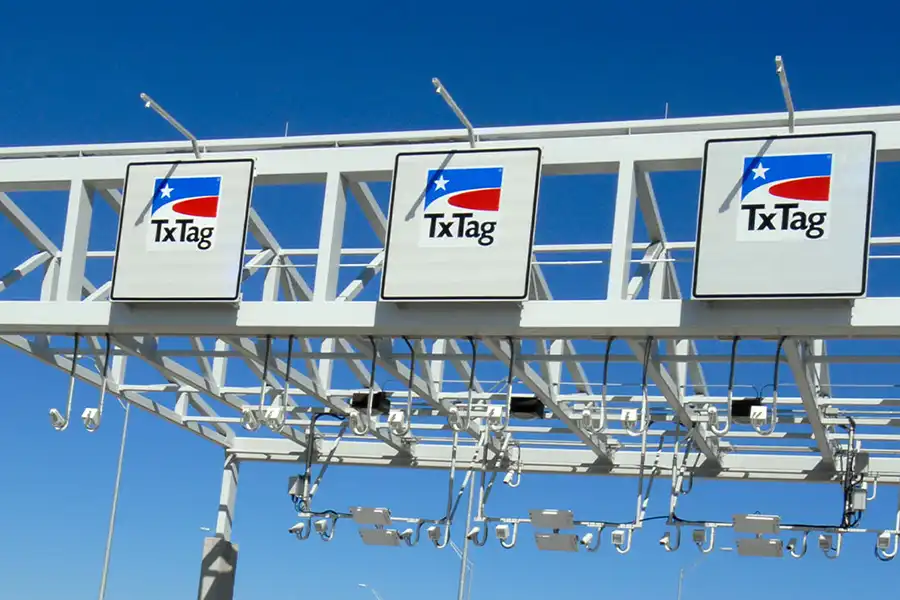
TxTag is associated with the Texas Department of Transportation and is used on participating Texas toll roads. The original material describes it as useful across Texas and mentions automatic replenishment and online account management. Confirm current account and road information through the official TxTag service before relying on it for a trip.
Texas tolling has involved changes in account servicing and interoperability, so old TxTag advice may not reflect current procedures. Check the official site, the road operator, and your account status. If a bill arrives, use the agency named on the bill rather than assuming EZ TAG customer service can fix it.
NTTA TollTag
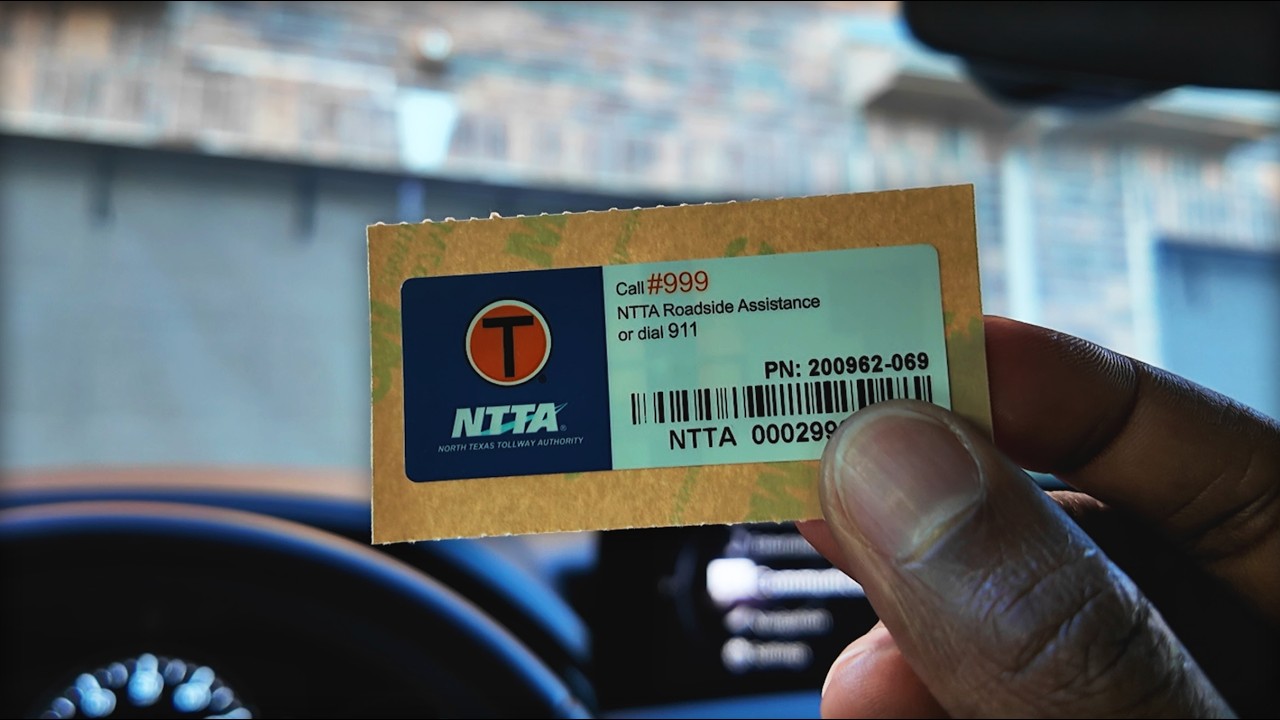
The North Texas Tollway Authority’s TollTag is associated with the Dallas-Fort Worth area. It is a local option for drivers who use North Texas toll roads often. The account may offer electronic payment and road-specific benefits under NTTA’s rules.
If you travel from North Texas into another state, verify whether the destination road accepts the TollTag. A tag that works around Dallas-Fort Worth is not automatically accepted on a road operated by an unrelated agency.
Pikepass
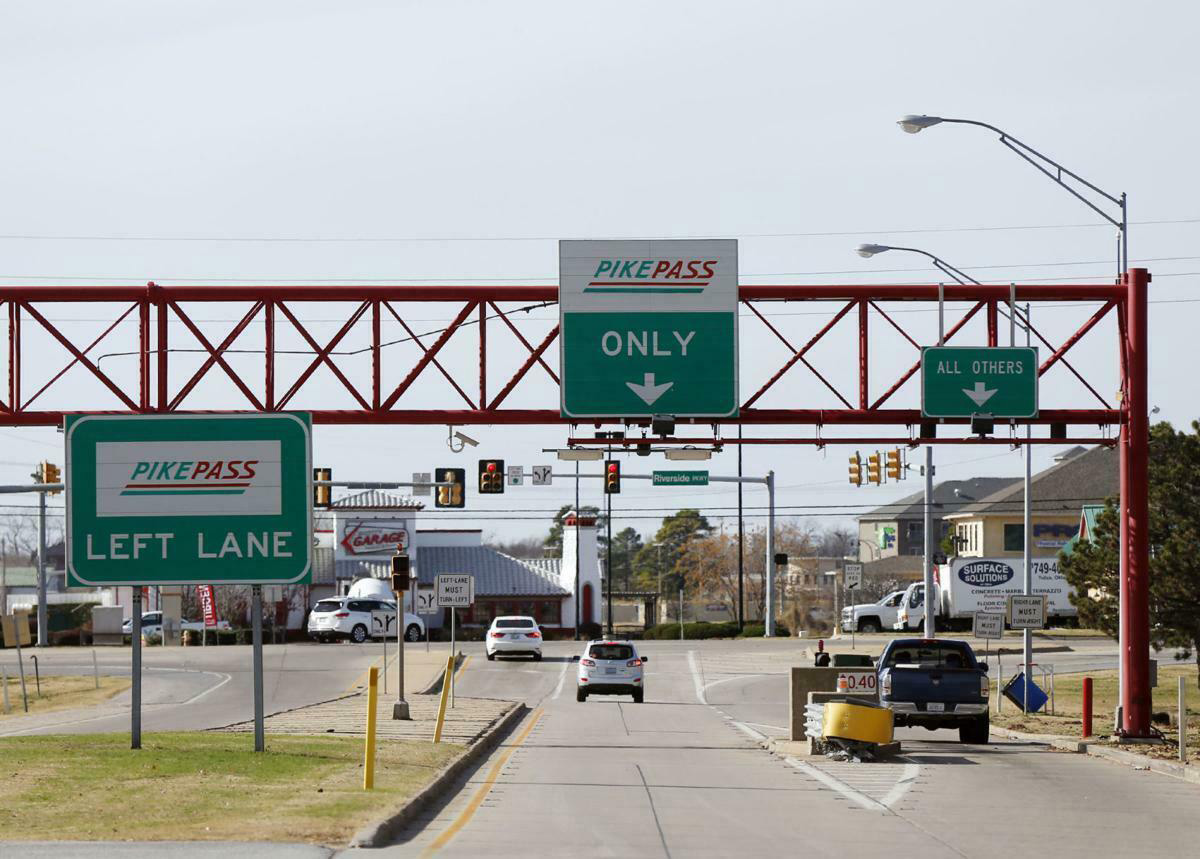
Pikepass is operated by the Oklahoma Turnpike Authority. It is designed for Oklahoma turnpikes and may be compatible with some toll roads in neighboring states. The original article lists Oklahoma and parts of Texas and Kansas as areas to check.
Do not rely on a broad coverage label when towing or driving a larger vehicle. The road may accept the tag but calculate a different class. Check the account, vehicle details, and toll facility rules before leaving.
K-Tag
K-Tag is associated with the Kansas Turnpike Authority and is useful for Kansas Turnpike travel. The original material describes features such as no subscription fees and managing multiple tags, but current account conditions should be confirmed with the authority.
Drivers moving among Kansas, Oklahoma, and Texas should compare the exact roads used. Regional agreements can make one tag convenient, but they do not mean that every toll facility in the surrounding states is part of the same system.
NationalPass and other offerings
The original article mentions NationalPass as an option aimed at travelers who cover multiple states and want fewer separate transponders. Treat this as a product that requires current verification. Coverage, enrollment, pricing, and accepted toll networks should be checked directly with the provider before purchase.
Products marketed as national or multi-state solutions can be useful, but read the terms carefully. Look for account fees, vehicle limits, trailer rules, customer-service responsibility, and what happens when a toll facility is outside the advertised network.
How regional interoperability actually affects your trip
Interoperability means two or more tolling systems have an agreement to recognize and settle transactions. It does not mean the accounts are merged or that the customer-service phone number is the same. Your home agency may receive a transaction from another road operator and pass the charge through to your account.
Discounts may not travel with the transponder. A tag can pay a toll on an out-of-area road while the driver is charged the standard rate rather than a local-account discount. If the trip includes a bridge, tunnel, express lane, or special facility, read that facility’s rules.
Vehicle class remains important across systems. If a passenger car pulls a trailer, the toll equipment may record more axles. If the account vehicle list is wrong, the transaction may need manual correction. Update the plate and class before leaving, not after the bill arrives.
Mounting and using a toll transponder correctly
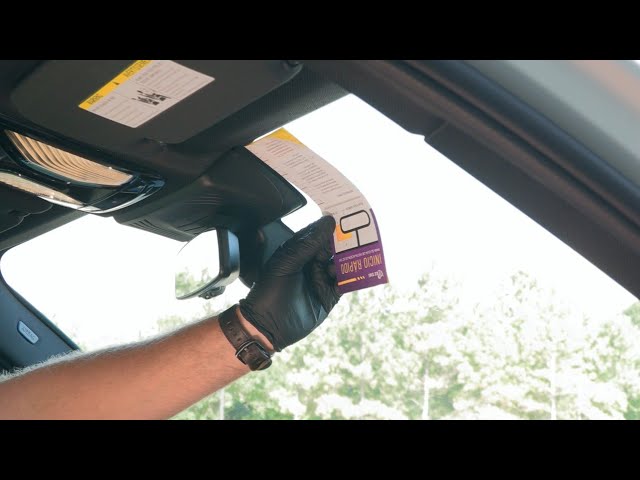
Clean the inside of the windshield before mounting the device. Follow the tag’s instructions for position, usually near the rear-view mirror or in a designated area. Some windshields have metallic film or special heating elements that can block the signal, and the agency may provide a different mounting solution.
The original material links to a guide about putting an E-ZPass on the dashboard. That source link has been removed, but the practical caution remains: do not assume a loose dashboard placement will read reliably. Use the position and mounting method provided by the issuing agency.
Do not hold a transponder up to the reader while driving. Do not put it in a glovebox, metal container, or bag. If you are using a rental car or a borrowed car that already has another tag, ask the rental company or tag issuer how to prevent duplicate reads.
Keep the account vehicle list accurate
Add every vehicle that uses the account according to the agency’s rules. Include the plate number, issuing state, vehicle type, and trailer information when requested. Remove a sold vehicle or a temporary borrowed vehicle when the arrangement ends.
Plate billing is a backup, not a reason to leave account records inaccurate. A camera may read the plate when a transponder does not. If the plate belongs to the account, customer service has a better chance of matching the transaction correctly.
Fees, discounts, and penalties
Electronic toll accounts can have different fees depending on the agency and plan. Some may require a deposit, tag charge, replacement charge, account maintenance fee, or minimum balance. Others may make the tag itself inexpensive but apply conditions to the payment method or account type.
Discounts also vary. An electronic tag may receive a lower rate than pay-by-mail on one road, while another facility may offer a separate resident, commuter, carpool, or vehicle-class program. A tag does not guarantee every discount advertised by the issuing agency.
Penalties can follow a low balance, declined payment, lost tag, incorrect plate, wrong vehicle class, or unpaid plate bill. The amount and enforcement process depend on the toll authority. Check the notice and contact the listed agency quickly instead of waiting for the balance to grow.
How to avoid an account surprise
- Use automatic replenishment only with a payment method that will remain active.
- Update your plate when you change vehicles or registration.
- Review statements after a long trip.
- Check whether a trailer changes your toll class.
- Keep the account email and phone number current.
- Save customer-service confirmation numbers.
One account review before a road trip is cheaper than sorting through several plate-based notices afterward. I have seen drivers focus on the toll amount and miss the administrative charge that was added because the account payment method had expired months earlier.
Common mistakes drivers make with toll tags
Confusing similar names
EZ TAG, E-ZPass, TxTag, TollTag, Pikepass, and K-Tag all sound like variations of the same product. They are issued by different agencies and may use different networks. Check the logo, account website, and road coverage before assuming one tag replaces another.
Assuming every Texas road uses one tag
Texas has several toll authorities and account services. A tag may be accepted through an agreement, but the agreement can change. Check the individual road operator, especially in a city you rarely visit.
Leaving two tags active
Two active transponders in one vehicle can create duplicate or conflicting toll transactions. This happens when a rental car already has a tag and the driver brings a personal one. Follow the rental company’s instructions and use one clear payment arrangement.
Ignoring a failed beep or missing transaction
Not hearing a beep does not prove that no toll was charged. Some facilities use open-road tolling, and devices do not all make the same sound. Check the account later and keep the date, time, route, and plate information.
Using the wrong tag with a trailer
A passenger-car transponder may be fine in the car by itself but unsuitable for a car and trailer combination. Axle count can change the toll. Update the account or use the required payment method before entering the toll road.
Frequently asked questions
Is EZ TAG the same as E-ZPass?
No. EZ TAG is a Texas-focused electronic toll service, especially associated with Houston, while E-ZPass is a multi-state network used mainly in the Northeast and parts of the Midwest. They are separate systems, so confirm compatibility before traveling.
Can I use EZ TAG outside Texas?
Do not assume it will work outside Texas. Check the current coverage and agreements for the particular road. The original comparison treats EZ TAG as a Texas system rather than an E-ZPass substitute.
Can I use E-ZPass on Texas toll roads?
Do not assume that E-ZPass is accepted on every Texas toll road. Texas uses its own regional systems and agreements, and the answer can depend on the toll operator. Check the specific road before traveling.
Does a toll tag eliminate the need for cash?
On a compatible electronic toll facility, the tag account pays automatically, so cash is usually not needed at the toll point. Keep in mind that a tag may not work on every road, and a low balance or failed payment can lead to plate billing.
How do I add a vehicle to my account?
Use the official account website or app, or call customer service. You may need the plate, state, vehicle type, and effective dates. Follow the issuing agency’s process because account menus and requirements differ.
Can one account manage several tags?
Some account plans allow multiple tags or vehicles. The exact limit and rules vary. Add each device and vehicle correctly, and do not move tags between vehicles without updating the account when required.
Are electronic tolls cheaper?
They can be cheaper than pay-by-mail on some roads, and some agencies offer discounts. The rate depends on the facility, vehicle class, account, and current program. Compare the toll authority’s published rates instead of assuming every electronic toll is discounted.
What I would choose for my own driving
If I lived and worked in Houston and rarely left Texas, I would start with the local EZ TAG information and compare it with the other Texas options on my regular roads. I would check the account fee, deposit, replenishment method, plate rules, and whether the roads I use are operated by the same authority.
If I spent most weekends driving through New York, New Jersey, Pennsylvania, Delaware, Maryland, or other participating E-ZPass states, I would compare E-ZPass agencies and choose one with reasonable account terms and reliable customer service. I would not choose an issuing state only because the name appeared first in a search result.
For a trip through Texas, Oklahoma, Kansas, and beyond, I would list the toll roads first. Then I would check whether EZ TAG, TxTag, TollTag, Pikepass, K-Tag, NationalPass, or another accepted option covers the entire route. If no single tag does, I would use the road operator’s approved payment method and keep the plate information accurate.
Planning a toll-heavy road trip
Before leaving, write down every toll road, bridge, tunnel, and express lane on the route. Toll maps often show the operator’s name, which is more useful than a general statement that a tag works in a region. If the route changes during the trip, check the new road before entering it rather than assuming the same account applies.
Look at the vehicle you will actually drive. A sedan, SUV, pickup, motorcycle, rental car, and trailer combination may be treated differently. If the vehicle has a trailer hitch, count the trailer as part of the toll setup when the agency’s classification guide says it changes the axle count.
Check the tag mounting instructions before loading the car. A tag hidden behind a metallic windshield film or placed in a glovebox may not read. If the car already has a toll device, identify which account it belongs to and follow the road operator’s instructions so the trip does not generate duplicate charges.
Give yourself time to fix account problems. A declined card, missing plate, inactive transponder, or wrong vehicle class is easier to correct at home than on a highway entrance. Keep the account owner’s login secure and use the official agency website, not an unverified link in a text message.
Take a screenshot of the coverage page and account confirmation before leaving if the trip is complicated. Website wording can be easy to misread, especially when it lists a toll road, a managed lane, and a bridge under separate operators. Having the road name and agency in front of you makes a customer-service call much quicker if something goes wrong.
If you are traveling with family or coworkers, decide who owns the account and who will review the charges before the trip. Mixing personal tags and borrowed tags is how duplicate accounts and missed notices begin. One clear payment plan is easier to manage than several devices taped to the windshield.
What to do when a toll does not post
Wait for the agency’s normal posting time, then check the account and any plate-based billing portal. Toll records may not appear immediately. Save the travel date, approximate time, road name, direction, vehicle plate, and the tag used. Keep the receipt for fuel or parking too if it helps prove where the vehicle was during the disputed charge.
If a toll is missing, contact the operator listed for that road. The issuing agency may be able to see an out-of-area transaction, but the road operator controls the toll event itself. Give customer service the exact information and ask whether the charge is pending, rejected, or being billed by plate. Avoid opening a second account until you know what happened, since that can create another layer of charges.
If a notice arrives, do not pay an amount you believe is wrong through an unofficial website. Compare the plate, image, vehicle class, location, and date. Follow the appeal instructions printed on the notice and keep proof of anything you submit.
Why account records matter when you sell a vehicle
Remove the old license plate and vehicle from the toll account when you sell or trade the car, then remove the physical tag from the windshield. If you leave the device in the vehicle, the next driver may create charges on your account. If you sell the tag or give it away, follow the agency’s transfer and deactivation rules.
Update the account before registering another vehicle. A plate that remains active on two vehicles can make a camera transaction difficult to match. Keep confirmation emails and screenshots until the old account information is no longer relevant.
The mechanic’s verdict on EZ TAG versus E-ZPass
EZ TAG and E-ZPass both make toll roads easier by charging an account through a vehicle-mounted transponder. EZ TAG is primarily a Texas and Houston-area option, while E-ZPass serves a broad network of participating states, mainly in the Northeast and Midwest. Neither name should be treated as a guarantee that every toll road will accept the device.
Compare your actual route, vehicle class, account fees, replenishment options, discounts, and customer-service rules. Check official toll-agency information before buying, keep your plate and payment details current, mount the tag correctly, and avoid using two active transponders in one car.
You can handle the basic account setup and mounting yourself. For a trailer, commercial vehicle, rental car, disputed notice, or uncertain road agreement, check the agency before driving. My clear takeaway is simple: choose the tag that matches the roads you use most, then verify each out-of-area toll facility instead of trusting a similar-sounding brand name.